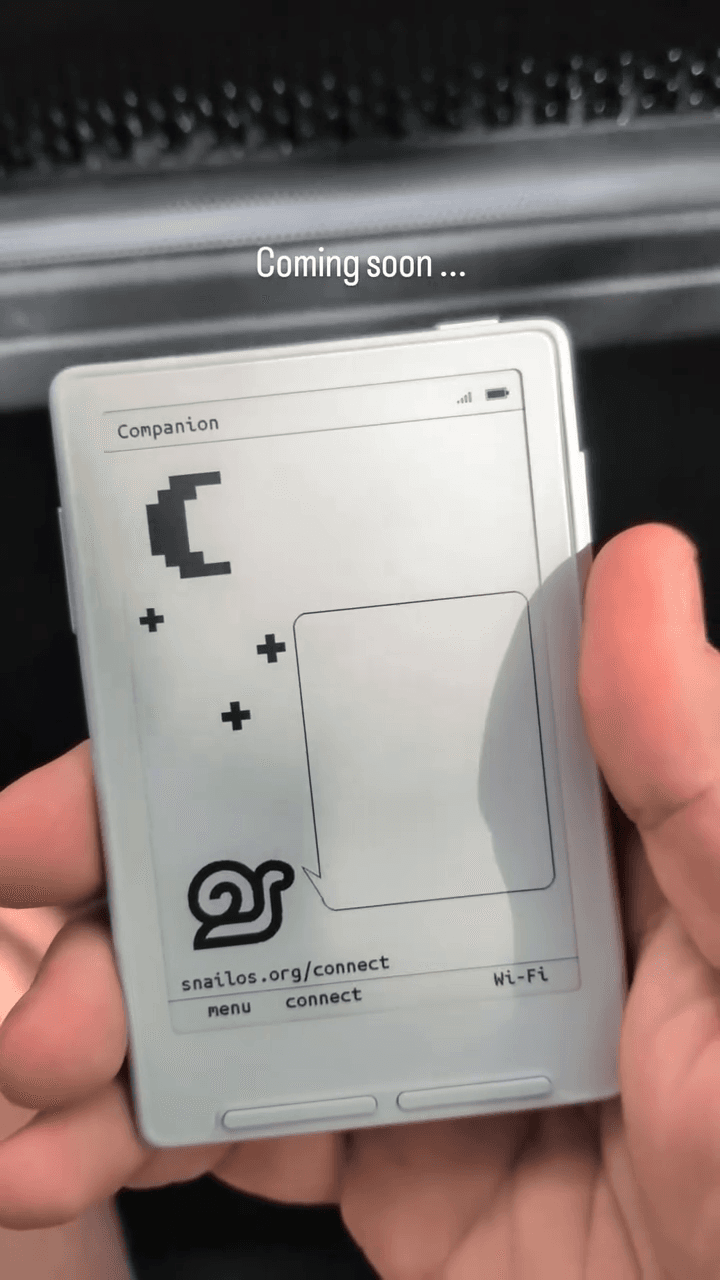
Snail OS on XTEINK
The launcher and Companion prototype running on an XTEINK device.
View the September 6, 2026 post on Instagram ↗Snail OS · XTEINK firmware
Snail OS turns the XTEINK X3 and X4 into a small computer for books, messages, weather, a calendar, apps, and the web.
Snail is the screen you can read in the sun.
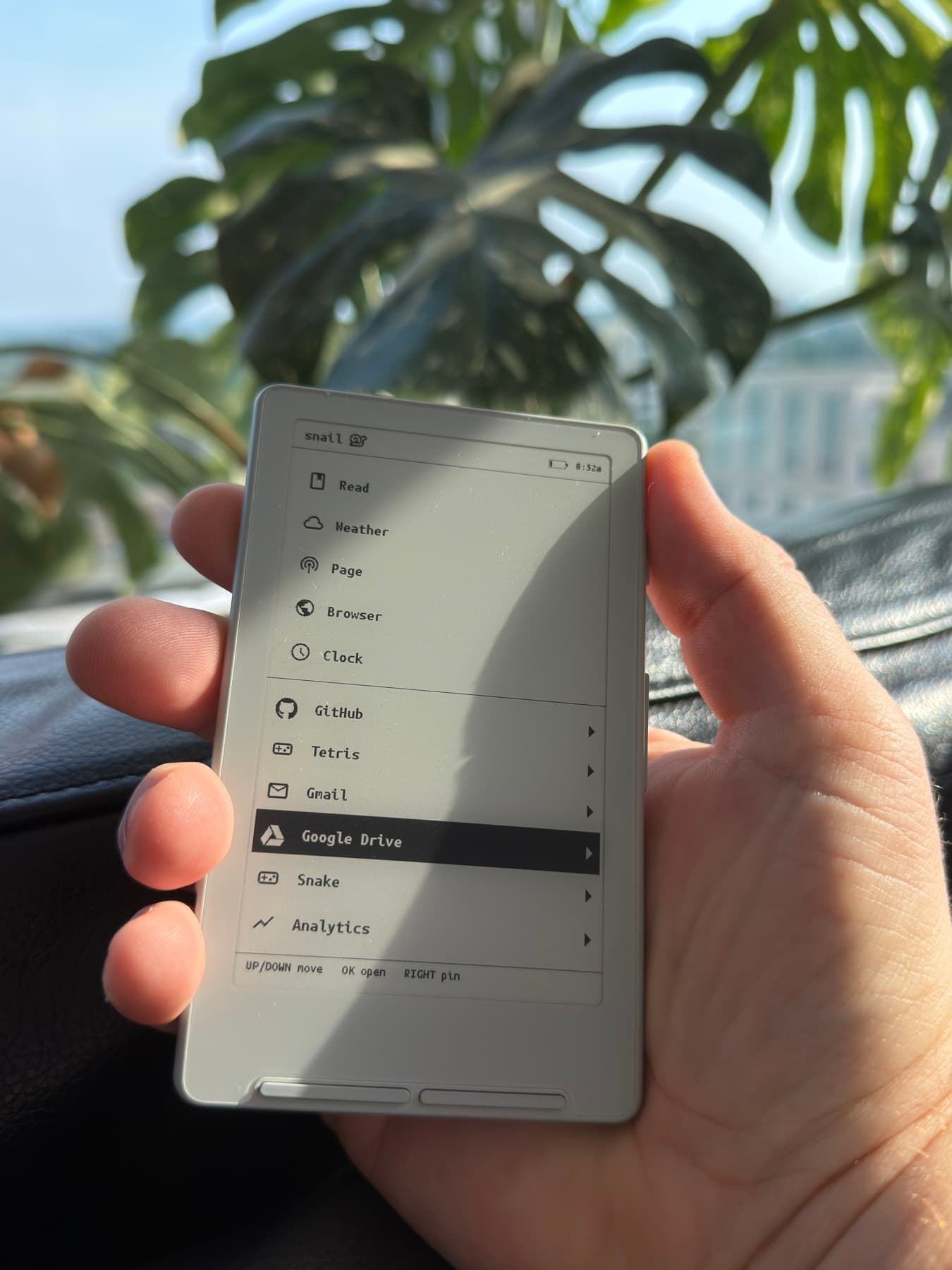
The device
Under the stock reader is an ESP32-C3, an 800 × 480 e-ink panel, Wi-Fi, Bluetooth, microSD and physical buttons. Snail OS treats that as a small e-ink computer.
Joey Smith reverse engineered the boards and wrote the display driver from the panel datasheet. Snail OS grew around the hardware that was already inside: a crisp reflective display, physical controls, removable storage, and two radios.
Why it works
The panel uses the light around it. A brighter day makes the page easier to see.
Six buttons move, open, return, and select without covering the screen.
Books, fetched pages, apps, settings, and saved progress live on microSD.
What Snail built
EPUB and plain text from microSD, with chapters, bookmarks, saved progress, and inline art.
The open web as plain text. Every fetched page stays on the card.
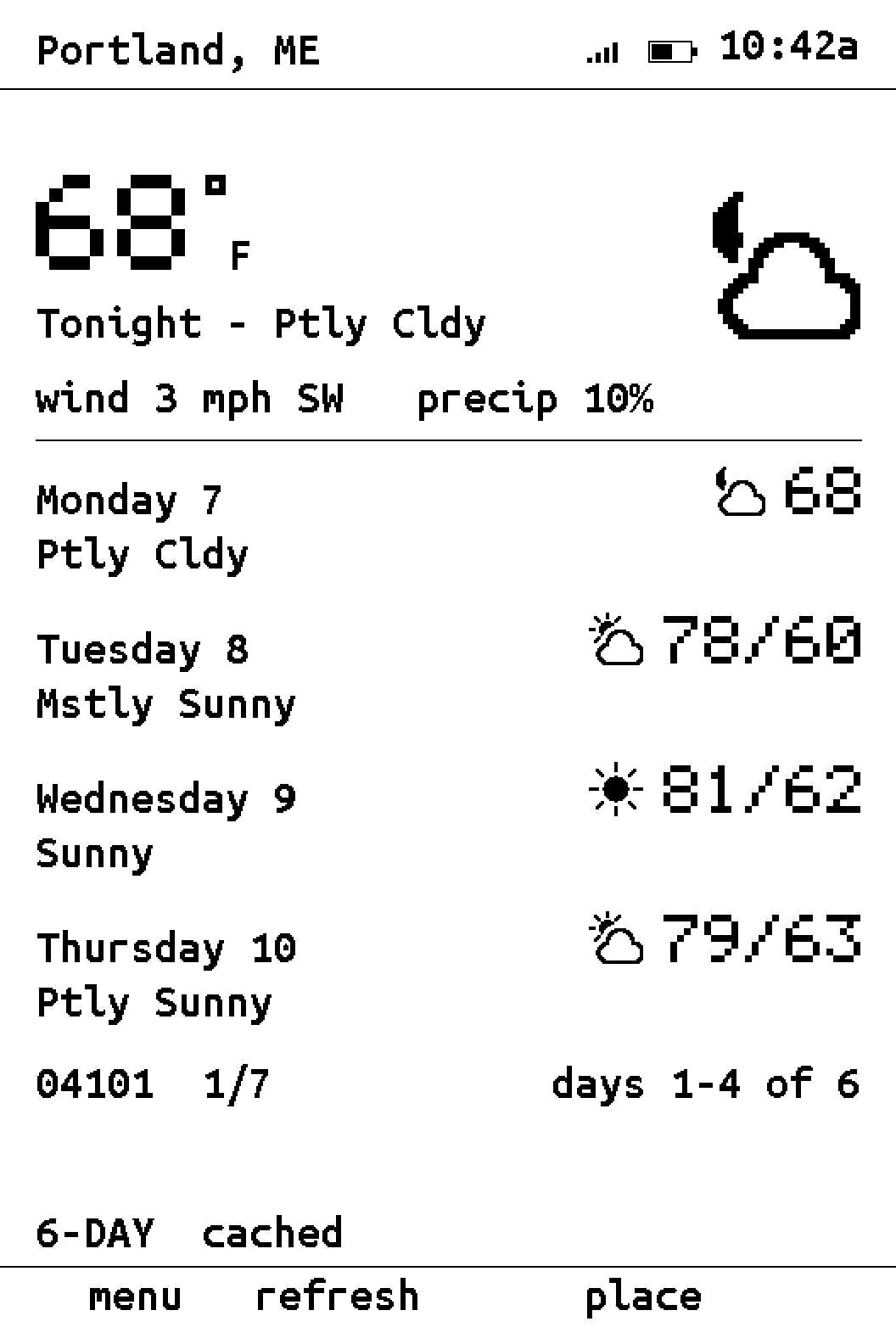
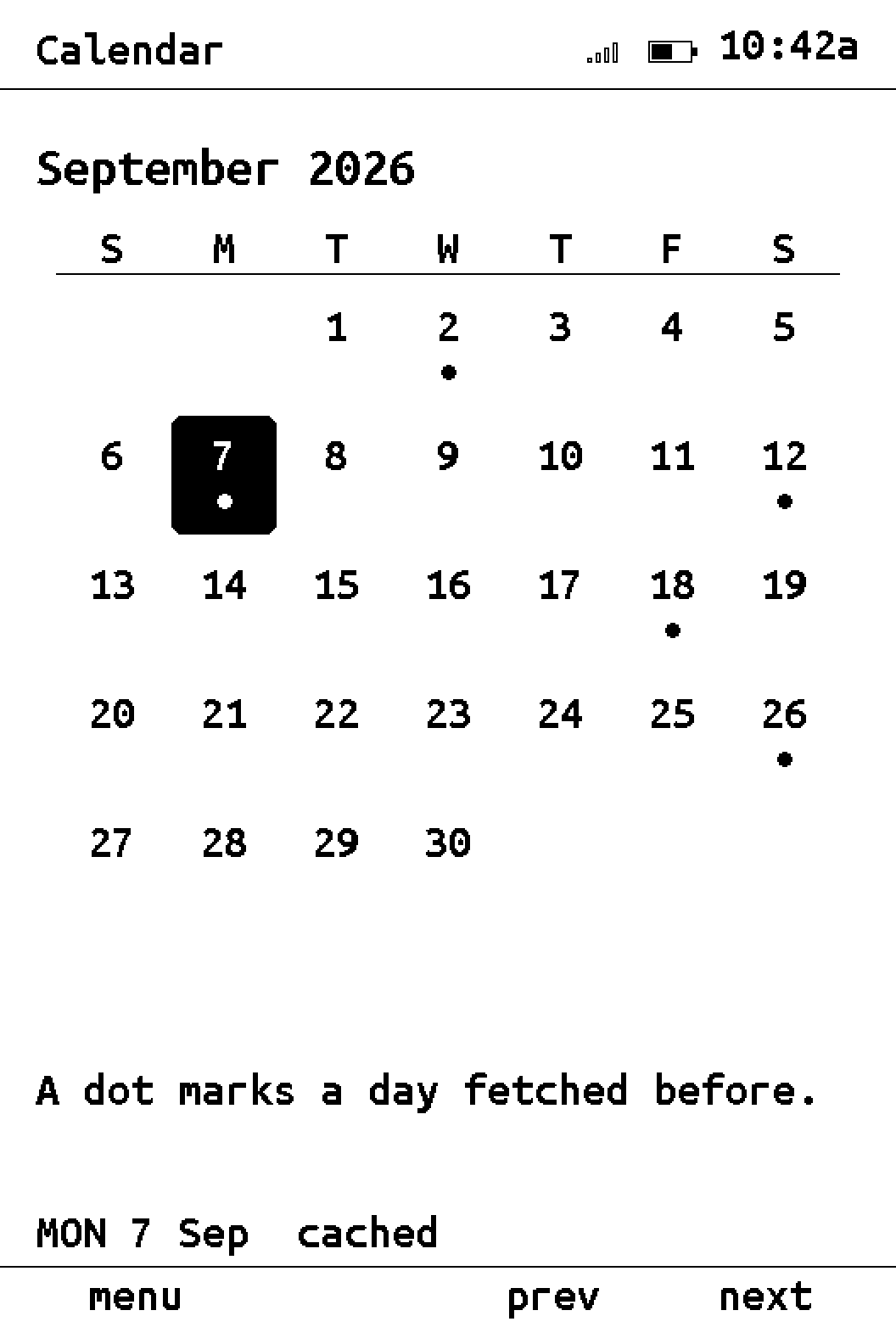
A month calendar opens into days and events. Weather shows a six-day forecast.
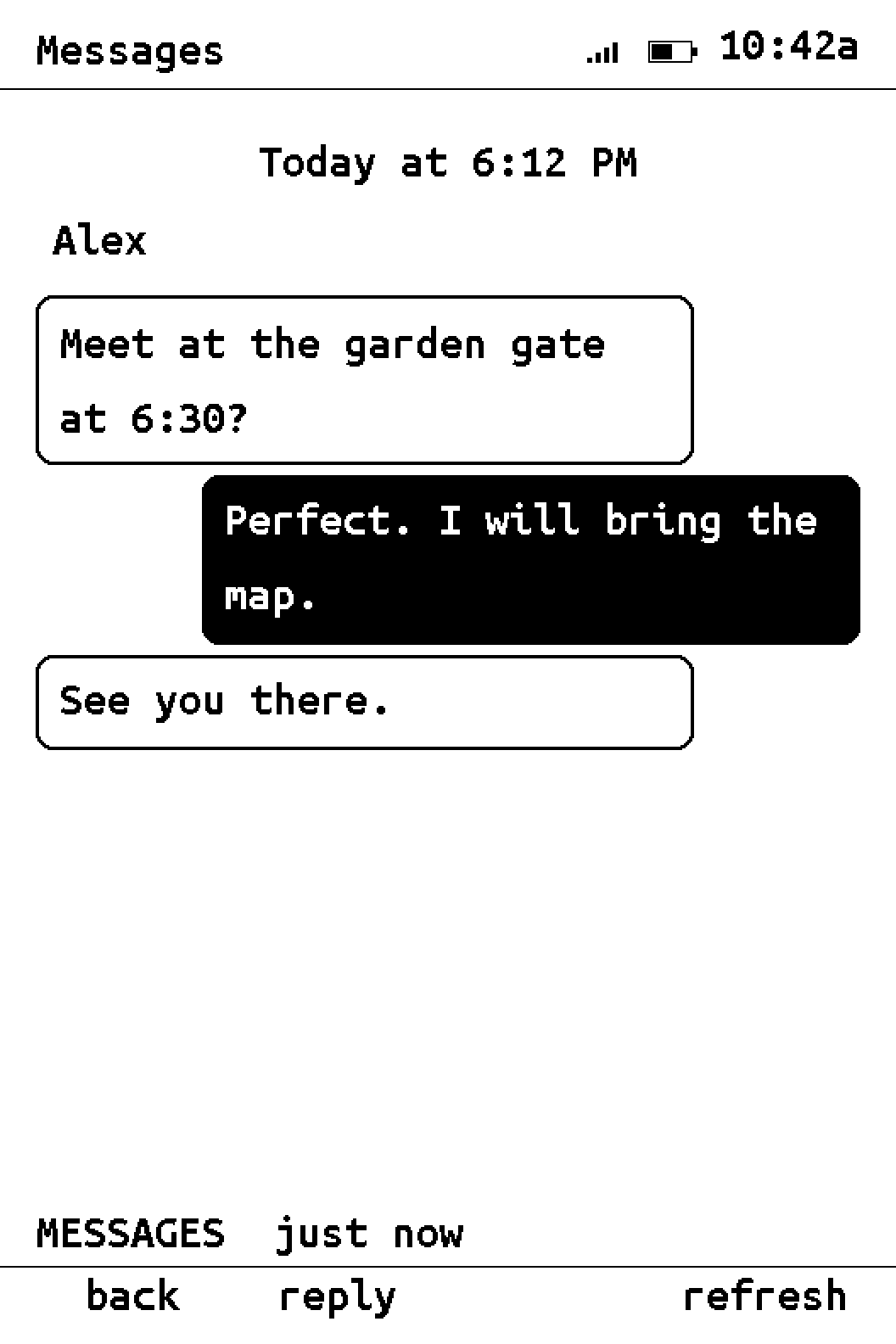
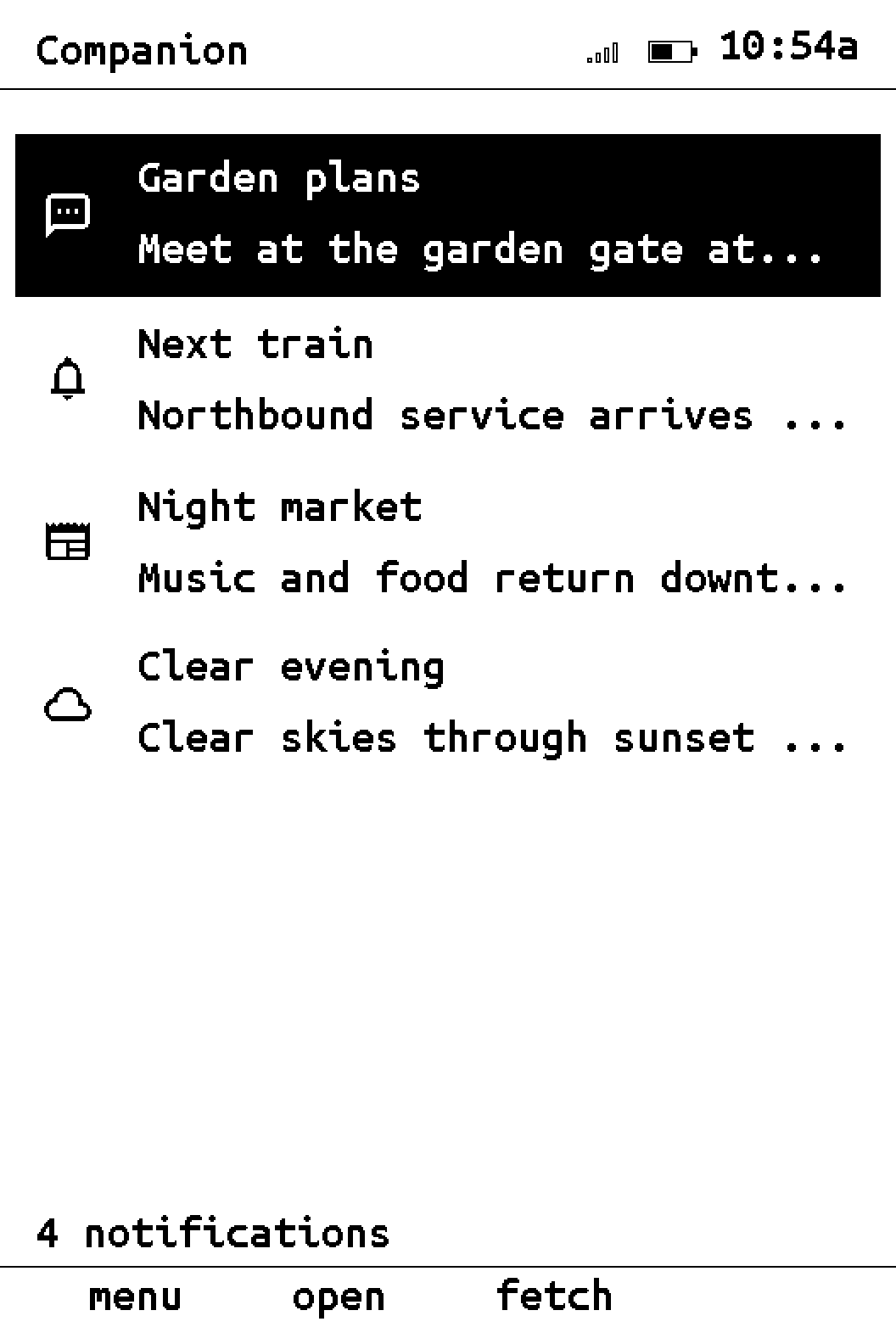
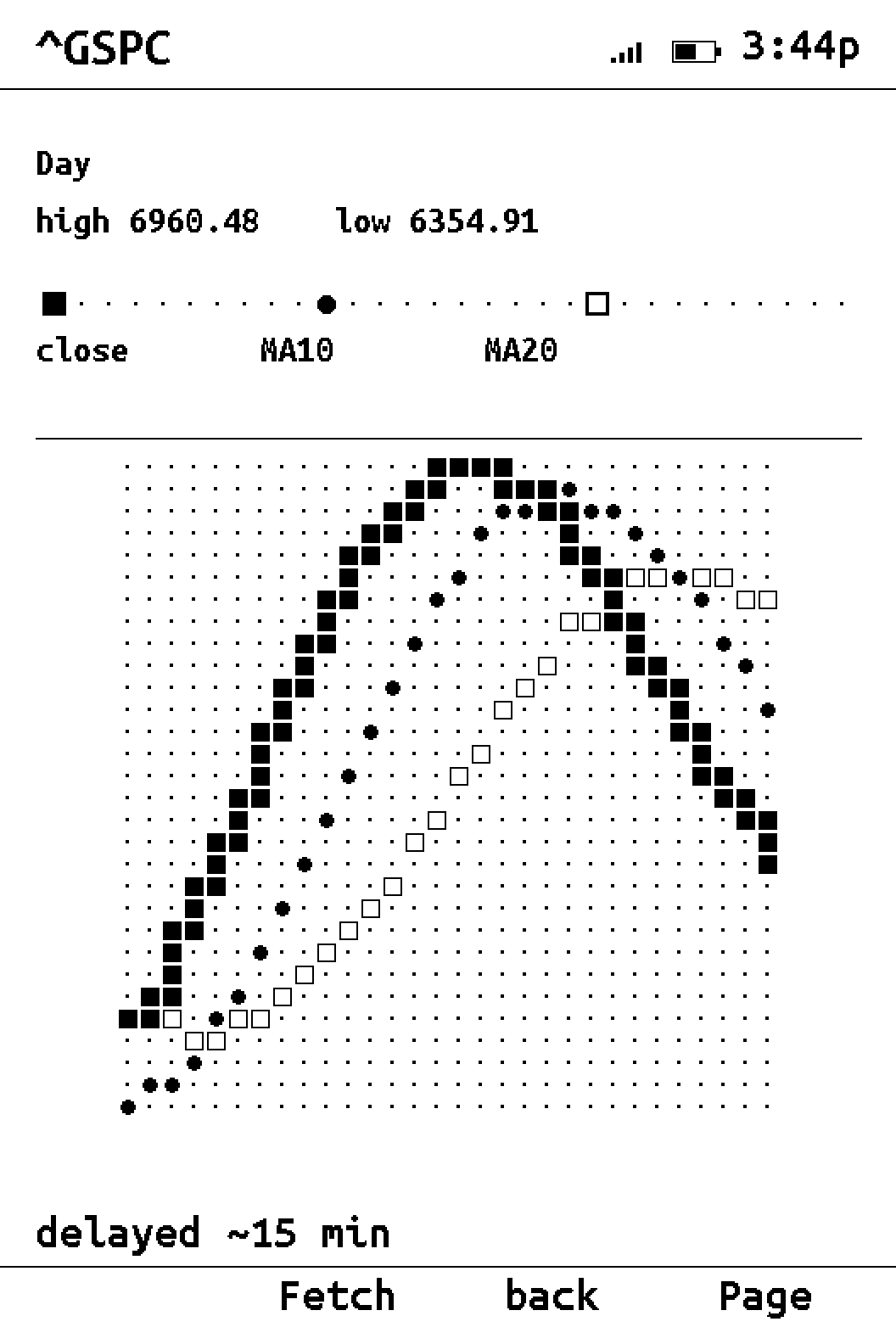
Messages, notifications, GitHub, Analytics, and Search Console appear as e-ink interfaces.
The on-device Store downloads readable Lua apps over Wi-Fi without a firmware reflash.
A card app is one Lua file. The SDK supplies networking, interface elements, and button mappings.
On the screen
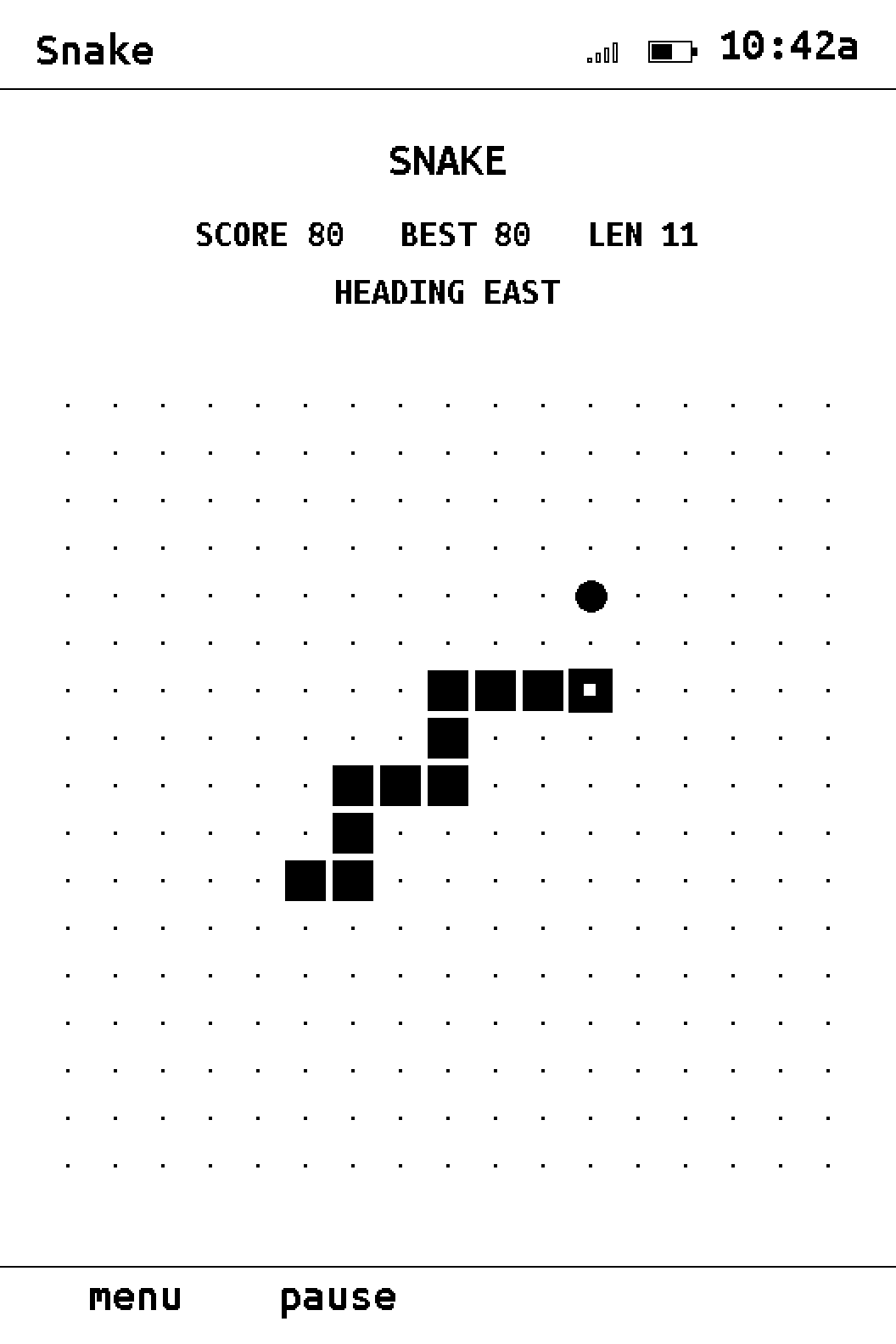
Current Snail OS 2 screens shown with demo content.
Current Snail OS 2 screens · demo content
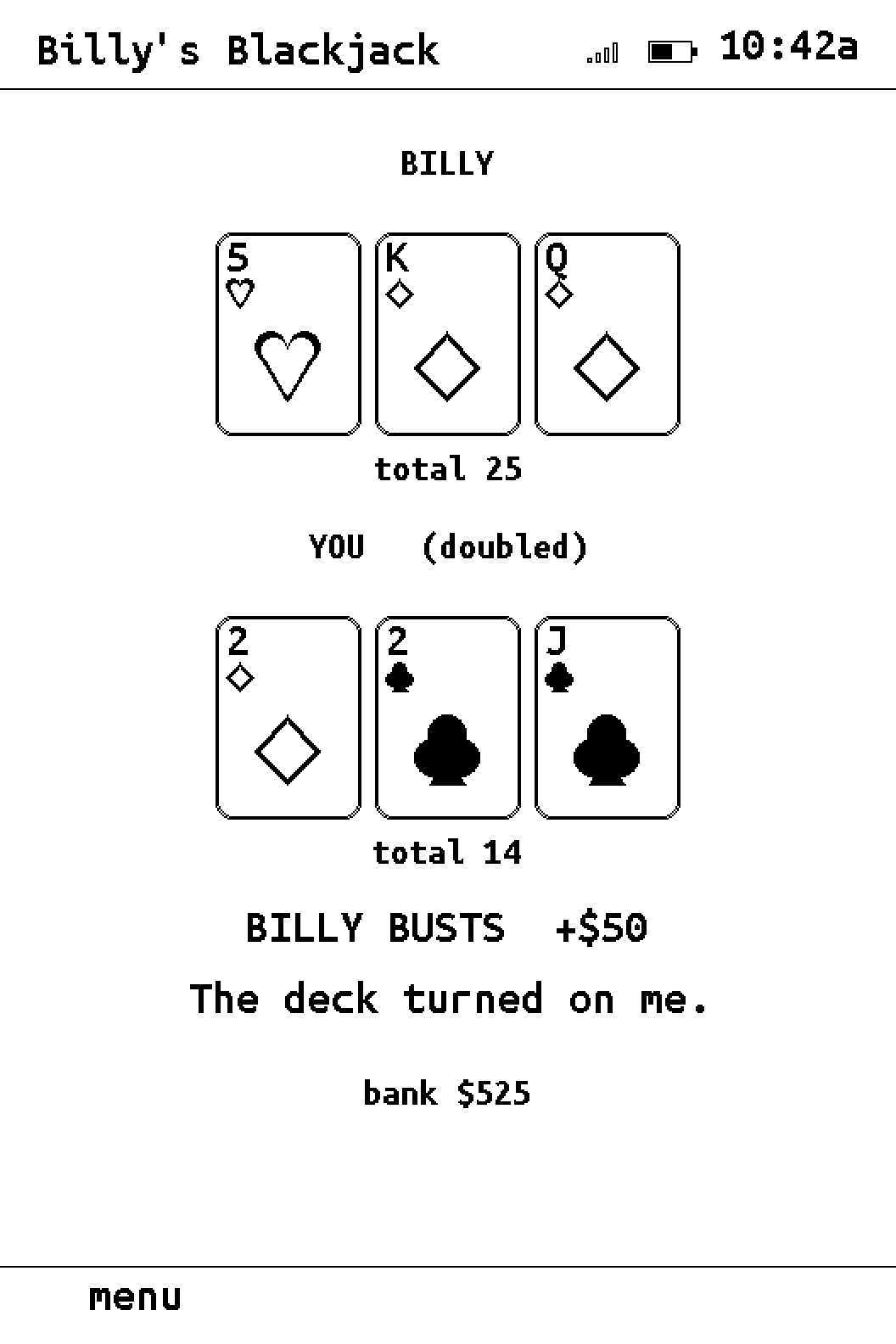
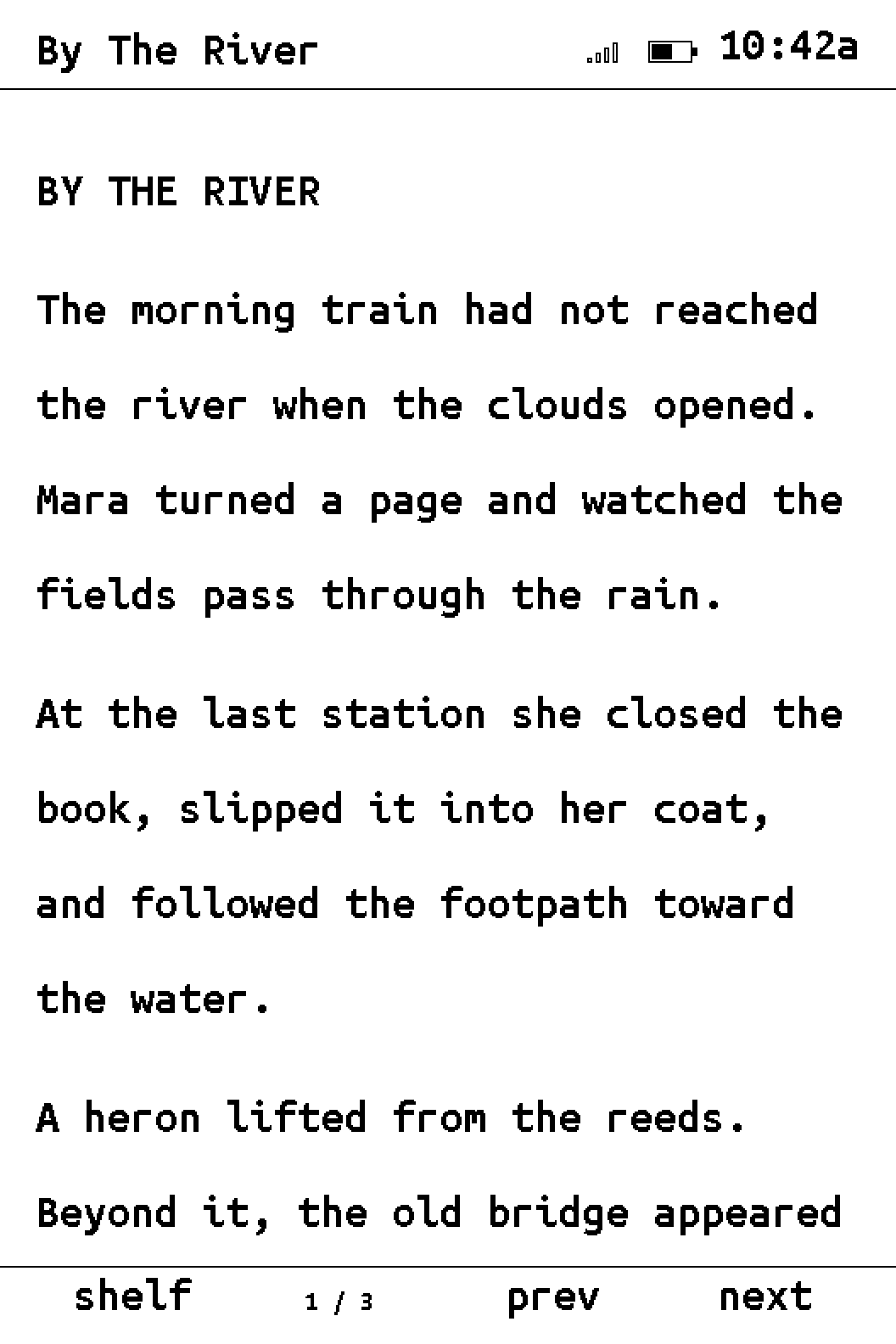
Field notes · @e_ink_fan
Photos and videos of Snail OS and Snail Companion running on XTEINK hardware.
The launcher and Companion prototype running on an XTEINK device.
View the September 6, 2026 post on Instagram ↗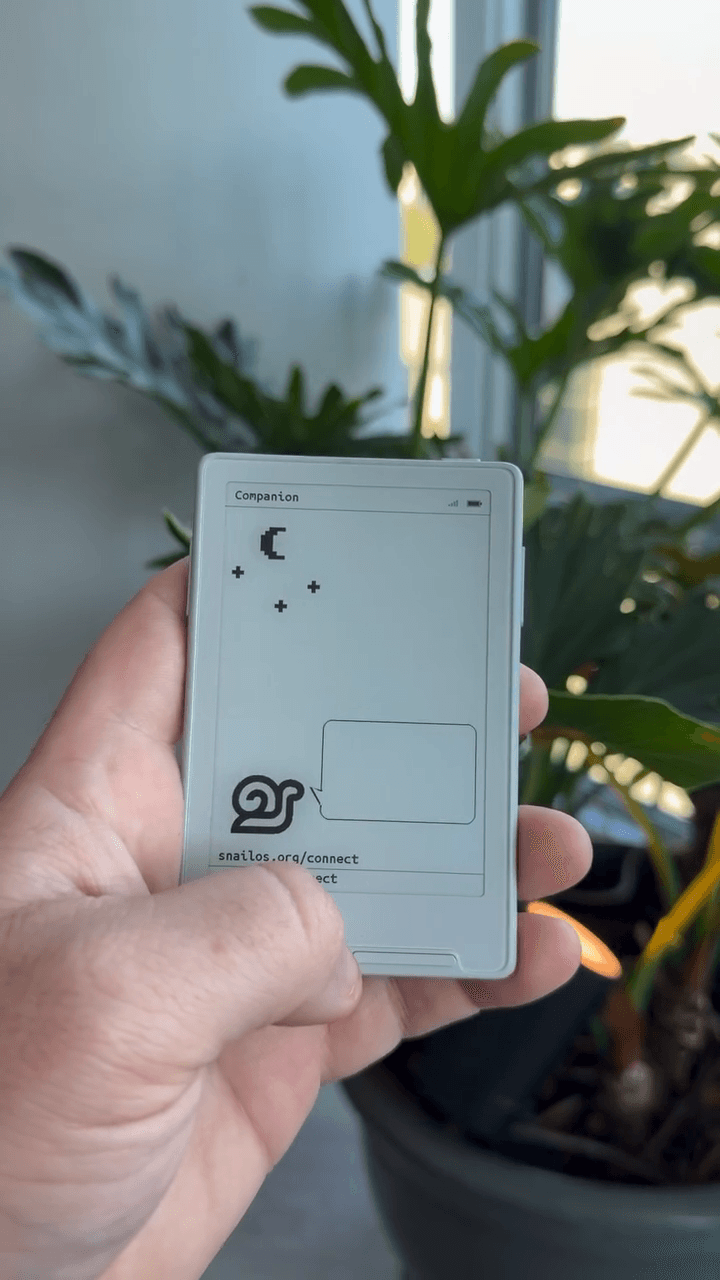
Bluetooth pairing and notifications shown on the real e-ink panel during development.
View the September 6, 2026 post on Instagram ↗Comparison
Compare Snail OS with the OEM firmware and CrossPoint.
| Feature | Snail OS | OEM firmware | CrossPoint |
|---|---|---|---|
| Display driver | Snap Display, our own driver, with a factory-waveform fallback. | Vendor waveform. | Vendor waveform via GxEPD2. |
| Partial refresh | 123 ms with Snap Display; 499 ms with the factory waveform. | ~499 ms, the vendor's timing. | Not timed by us. |
| Reader | EPUB and plain text, cover and inline JPEG/PNG art, chapter navigation, multiple bookmarks, saved progress, text size and justification as settings. | EPUB, TXT. | EPUB, hyphenation, dictionaries, reading-progress sync. |
| Web browser | Plain-text browser; every page kept on the card. | — | — |
| App store | Store installs card apps over Wi-Fi from the published catalogue. A card app is one Lua file you can read and edit. | — | — |
| Snail Companion | Free Bluetooth sync with Snail Companion for Android; iOS coming soon. Receive phone notifications, reply to messages and dismiss them from Snail. | — | — |
| PageMessages from your AI agents. | Receive and answer pages from your AI agents with the buttons. Inbox cached on the card. | — | — |
| Wi-Fi | Scan, join, remember; Drive moves files on and off the card; Store, Weather, Browser, Connect and Page use it. | File transfer. | Book upload over the browser, OTA. |
| Bluetooth | Snail Companion adds notification sync via BLE from your phone. Download for Android. Coming soon to iPhone. | — | — |
| Clock · Calendar · Weather | Three clock faces. Month grid to day to event. Six-day forecasts. | — | — |
| Games | Snake, Blackjack, and whatever the Store lists. | — | — |
| Original firmware | Backed up before Snail's two-bank layout is installed. | Is the original. | Overwrites the boot bank. |
| Price | $9, one person, every supported X3 and X4 you own. | Included with the device. | Free. |
Sources: official XTEINK X3 product page · CrossPoint GitHub repository
Compatibility
Snail OS runs on the XTEINK X3 and supports the X4. X4 Pro support is coming soon.
The download includes signed X3 firmware and its cable installer.
The same purchase includes signed X4 firmware and its cable installer.
Install and verify
The purchase includes a license key, signed X3 and X4 firmware, and cable installers. The verification page lists each release hash and the offline signing key.
Installing Snail OS replaces the factory firmware. Factory restoration requires a verified full-flash backup. Snail is not affiliated with XTEINK. XTEINK is the trademark of its owner.